Registry data, in your pocket.Know the company. Know the payee.
Two apps from Global Database, built on company data sourced directly from official government registries. Research any business with Regis AI. Verify a supplier's bank details with Know Your Payee.
Approuvé par les équipes de conformité, de risque et de données chez

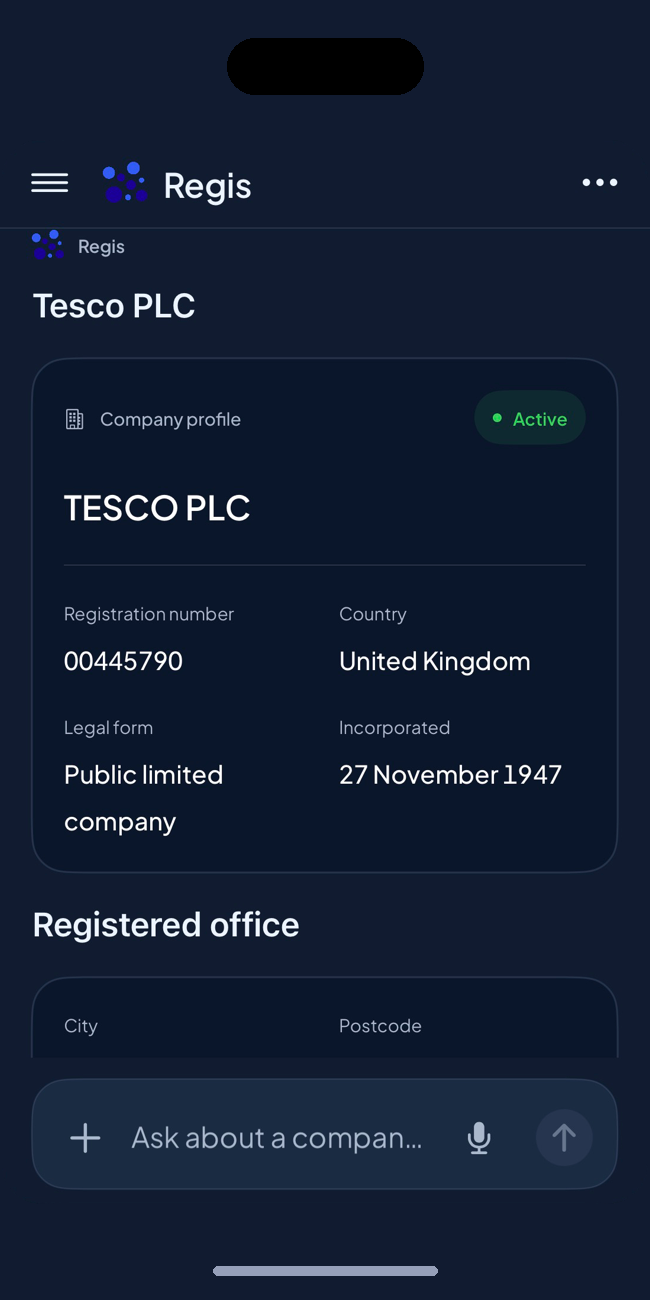
Research a company before your next decision.
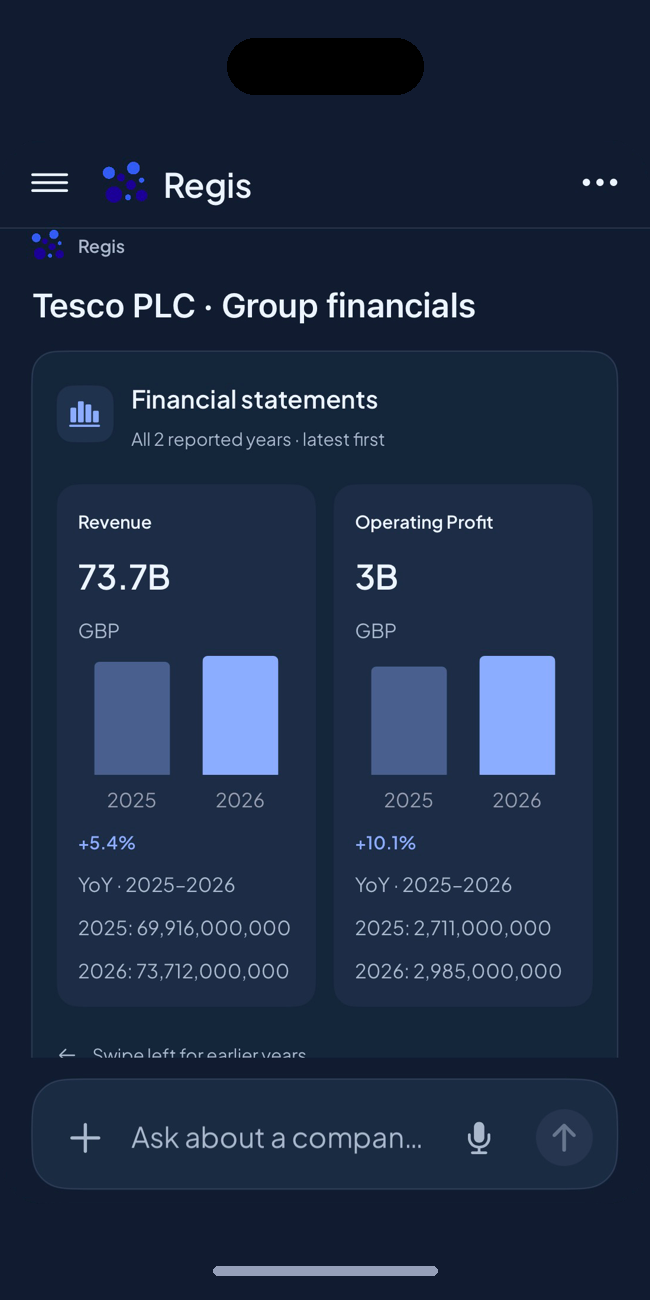
Find the right business, confirm its identity, then read its financials and ownership.


Free to download. iPhone, iPad and Android.
Know who you're paying. Before the money leaves.
Built for accounts payable, procurement and finance teams reviewing new suppliers, changed bank details or unexpected invoices.
Every check ends in one recommendation:ProceedReviewHold
Free to download. iPhone and Android.
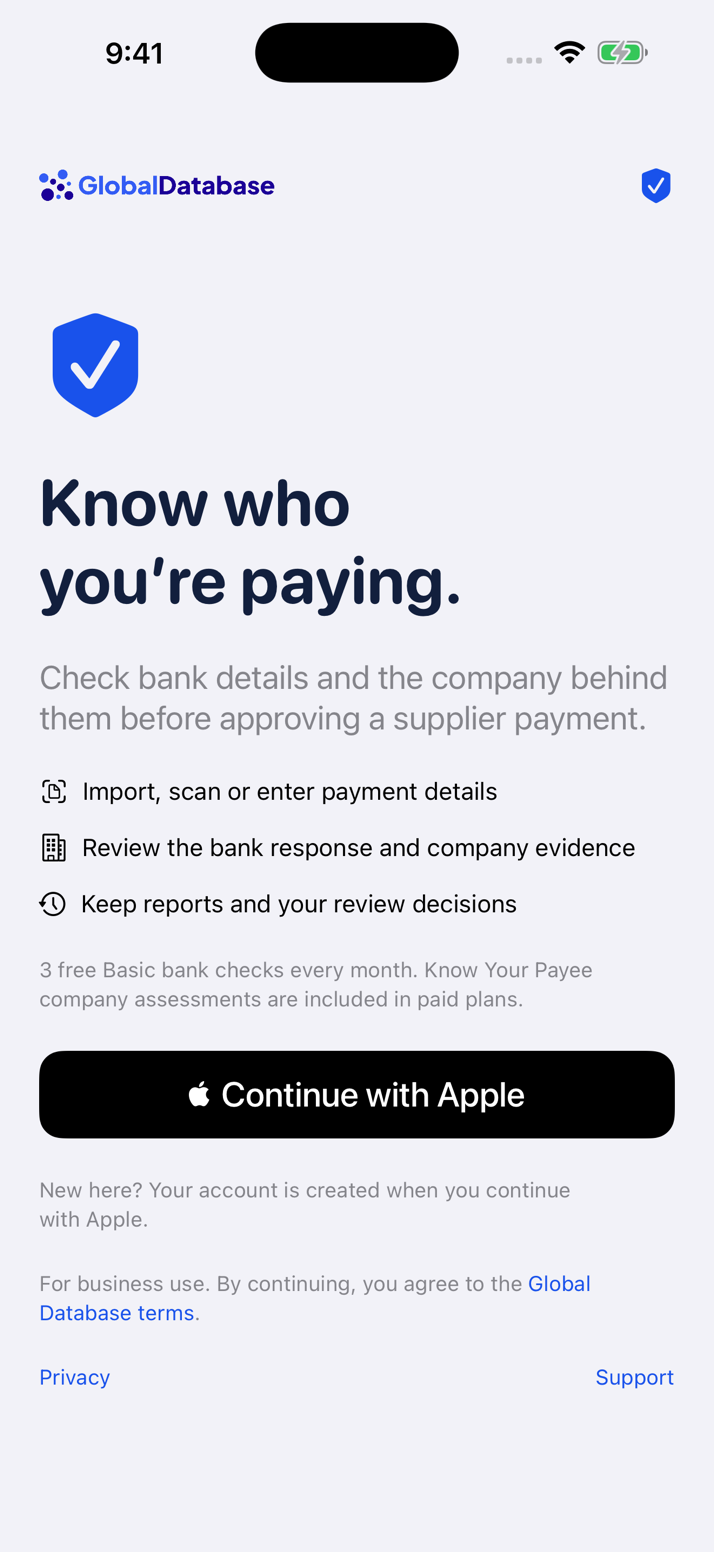
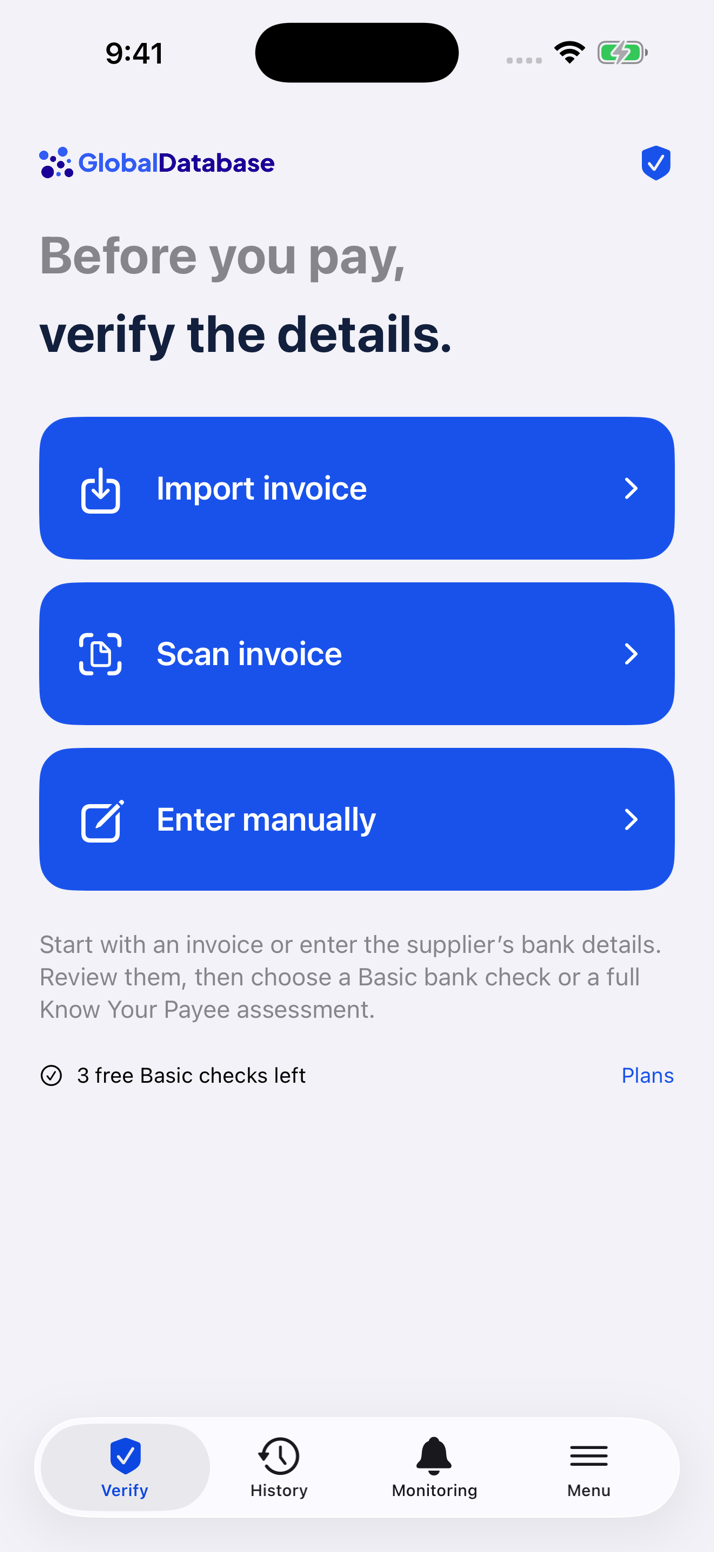
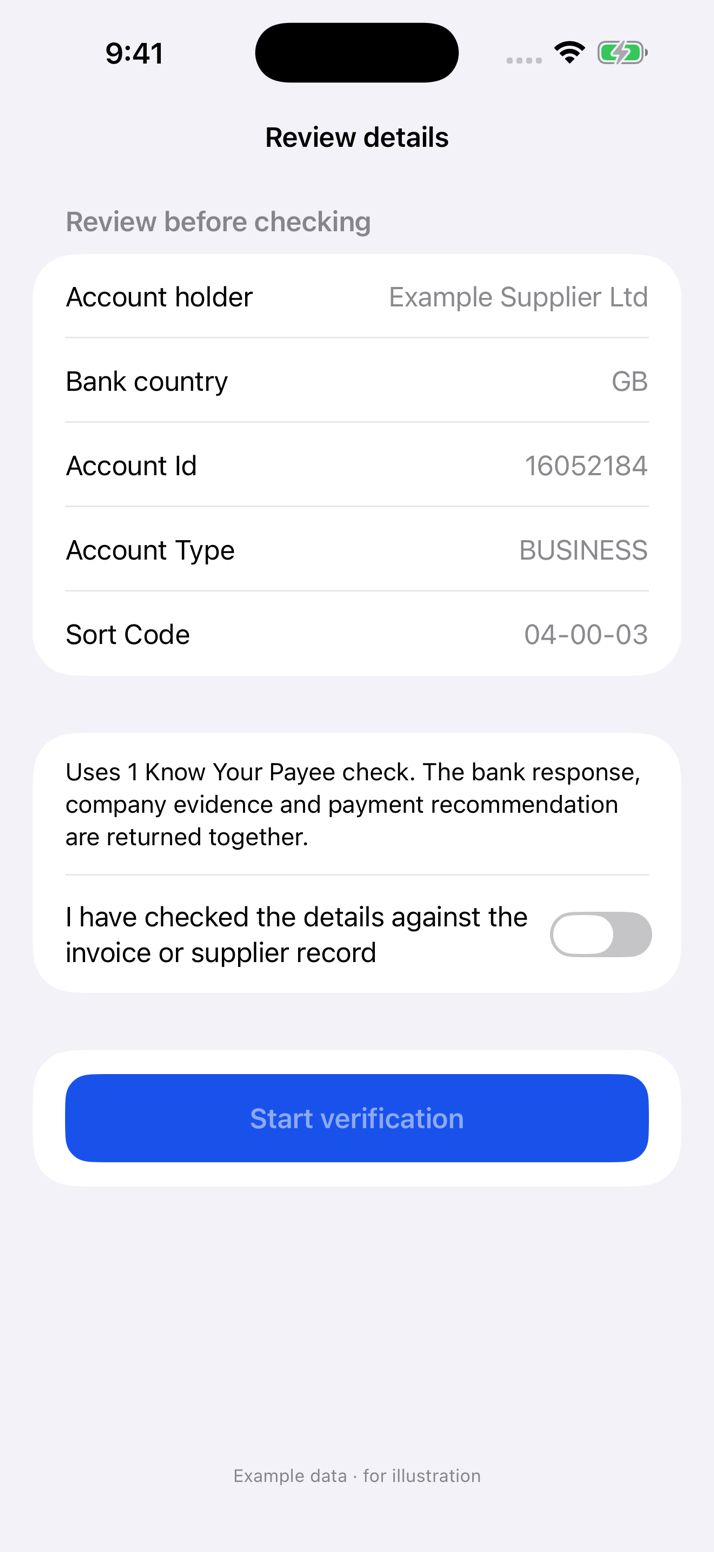
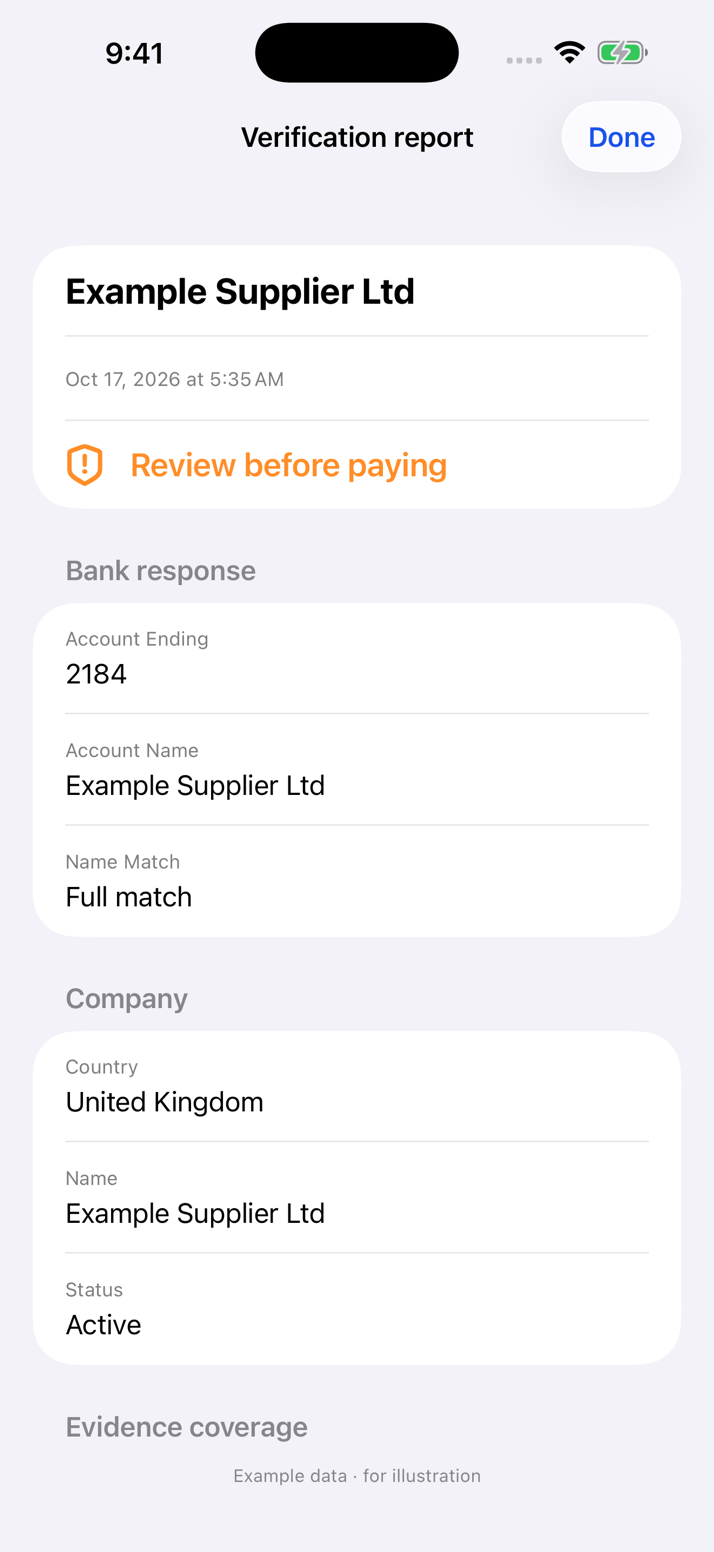
One researches the company.
One protects the payment.
 Regis AICompany research | Know Your PayeeBank account and business checks | |
|---|---|---|
| Use it to | Research a company before a decision | Check a supplier's bank details before you pay |
| Built for | Sales, compliance and risk teams | Accounts payable, procurement and finance teams |
| Start from | A company name or VAT number | An invoice: scan it, import it or type the details |
| You get | Financials, ownership, group structure, contacts | Bank name match, company evidence, Proceed / Review / Hold |
| Free account | Limited company searches and selected checks | Three basic bank account checks a month |
| Devices | iPhone and iPad (iOS 17+), Android | iPhone (iOS 18+), Android |
| Get it | | |
Same source behind both apps.
Global Database has spent ten years collecting company data directly from official government registries. Both apps read from it.
600M+
company profiles
400+
official registries
200+
countries and territories
49
countries with bank account verification
Company checks and payee verification, answered.
Need volume, API access or a plan for your whole team? Talk to Sales
How do I check if a company is legitimate?
Run a company check in Regis AI. Search the business by name and confirm its identity against official company records: its registry status, where it is registered, its filed financials and who owns it. The data comes from government registries, not from the open web.
How do I find out who owns a company?
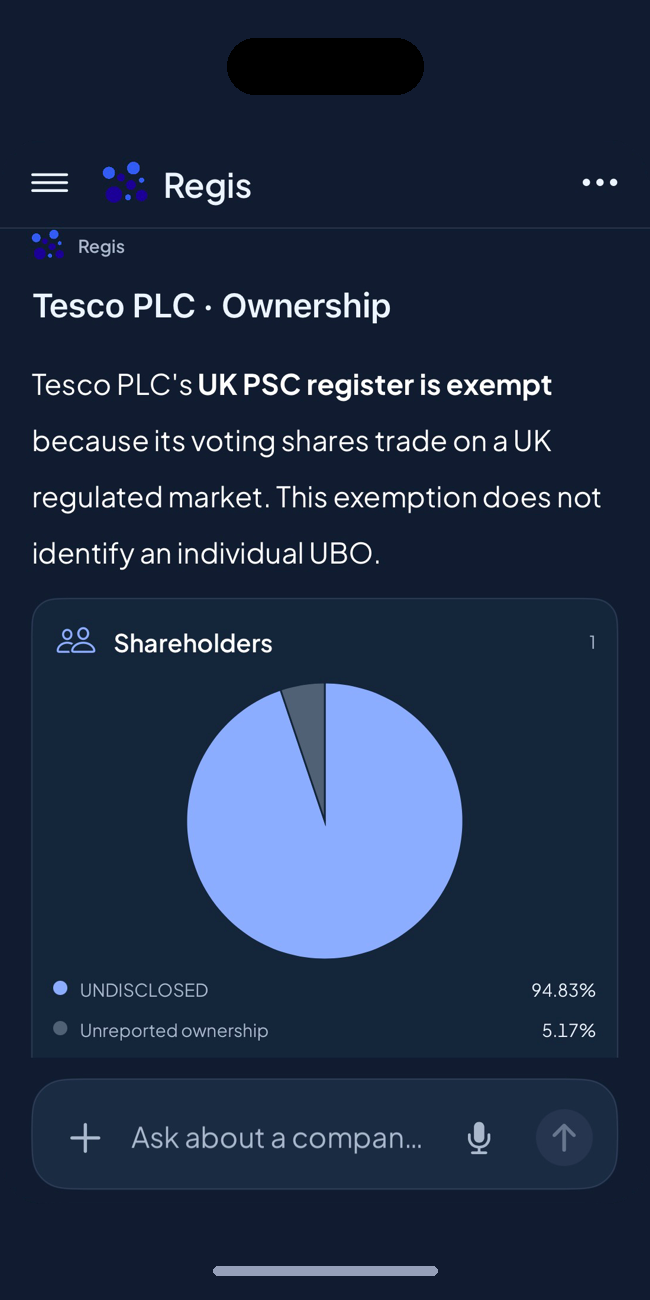
Open the company in Regis AI to see its reported shareholders and corporate group. Paid plans add analysis of the individual ultimate beneficial owners (UBOs) behind the structure. Availability varies by country and by what each registry publishes.
Can I run a VAT number check?
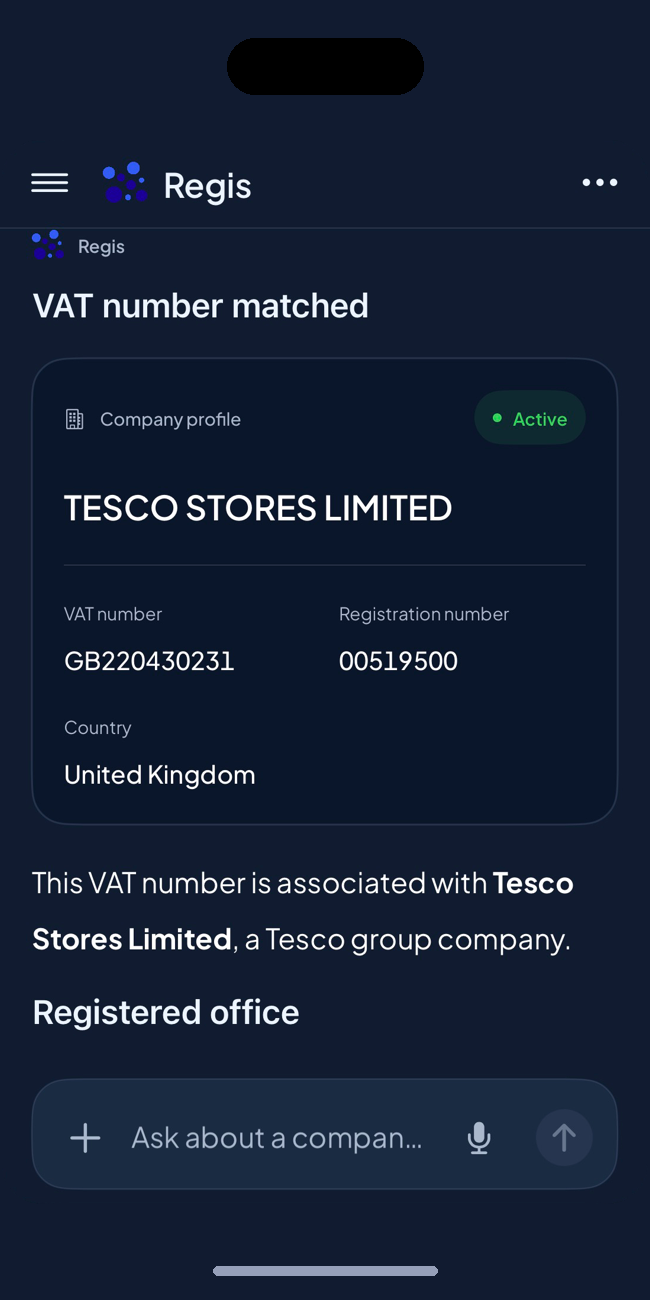
Yes. Regis AI matches a VAT number to the registered business behind it, so you can confirm the number belongs to the company you are dealing with.
How do I verify a supplier's bank account before I pay?
Use Know Your Payee. Scan or import the invoice, or type in the bank details, and the app runs a bank account verification: it shows whether the supplier name matches the account holder, where supported. Paid checks add the company evidence behind the account.
What is the difference between Confirmation of Payee and Know Your Payee?
Confirmation of Payee in the UK and Verification of Payee in the EU check one thing: whether the name matches the account. Know Your Payee works alongside that result and adds what official registers say about the company and its owners.
Are the apps free?
Both are free to download and come with a free account. Regis AI includes limited company searches and selected financial, corporate group and contact checks. Know Your Payee includes three basic bank account checks per calendar month. Paid plans are optional, and the price and billing period are shown before you buy.
Where does the company data come from?
From official government registries. Global Database collects company records directly from more than 400 registries, and both apps read from that same source.
Which countries are covered?
Company data spans 200+ countries and territories. Bank account verification is available in 49 countries. What you see for a given company depends on the country and on what its registry publishes.
How is Regis different from ChatGPT or Claude?
General AI tools answer from training data, so they can't see live company records. Regis answers from official registry data and attaches the source to the answer.
How does Know Your Payee help prevent invoice fraud?
A redirected invoice can still pass a bank name check, because that check only confirms who holds the account. Know Your Payee adds what the register says about that company: how old it is, who owns and runs it, and what it has filed. Use the result alongside your own payment approval procedures.
Which devices are supported?
Regis AI runs on iPhone and iPad (iOS 17 or later) and on Android. Know Your Payee runs on iPhone (iOS 18 or later) and on Android.
Stop guessing. Check the source from your phone.
Regis AI
Company research, financials, ownership and UBO.


Know Your Payee
Bank account and business checks before you pay.